Counter sales and records
POS system integration that updates stock and accounts as you sell
QuickAccounts connects counter billing with the rest of your operation. Each POS sale updates stock quantities, serial records, customer accounts and cash records, so electronics and hardware retailers, wholesalers and distributors work from one system.
- Free product demo
- Unlimited users
- Setup and team training included
Every counter sale updates your records
A bill raised at the counter feeds the same records your office relies on. Stock quantities, customer accounts and cash entries reflect the sale without a second round of data entry.
Keep serialized products traceable at the point of sale
Attach serial numbers while billing so each unit stays connected to its invoice and customer. That record supports warranty checks, returns and replacements long after the counter sale.
Licensing and hosting
Start with a free guided demo. Choose an offline single-user lifetime license with local data storage, or an online unlimited-user lifetime license with monthly hosting. Confirm pricing, setup and integration details with Dotcode during the demo.
Inside the workflow
Every counter sale reflected in one system.
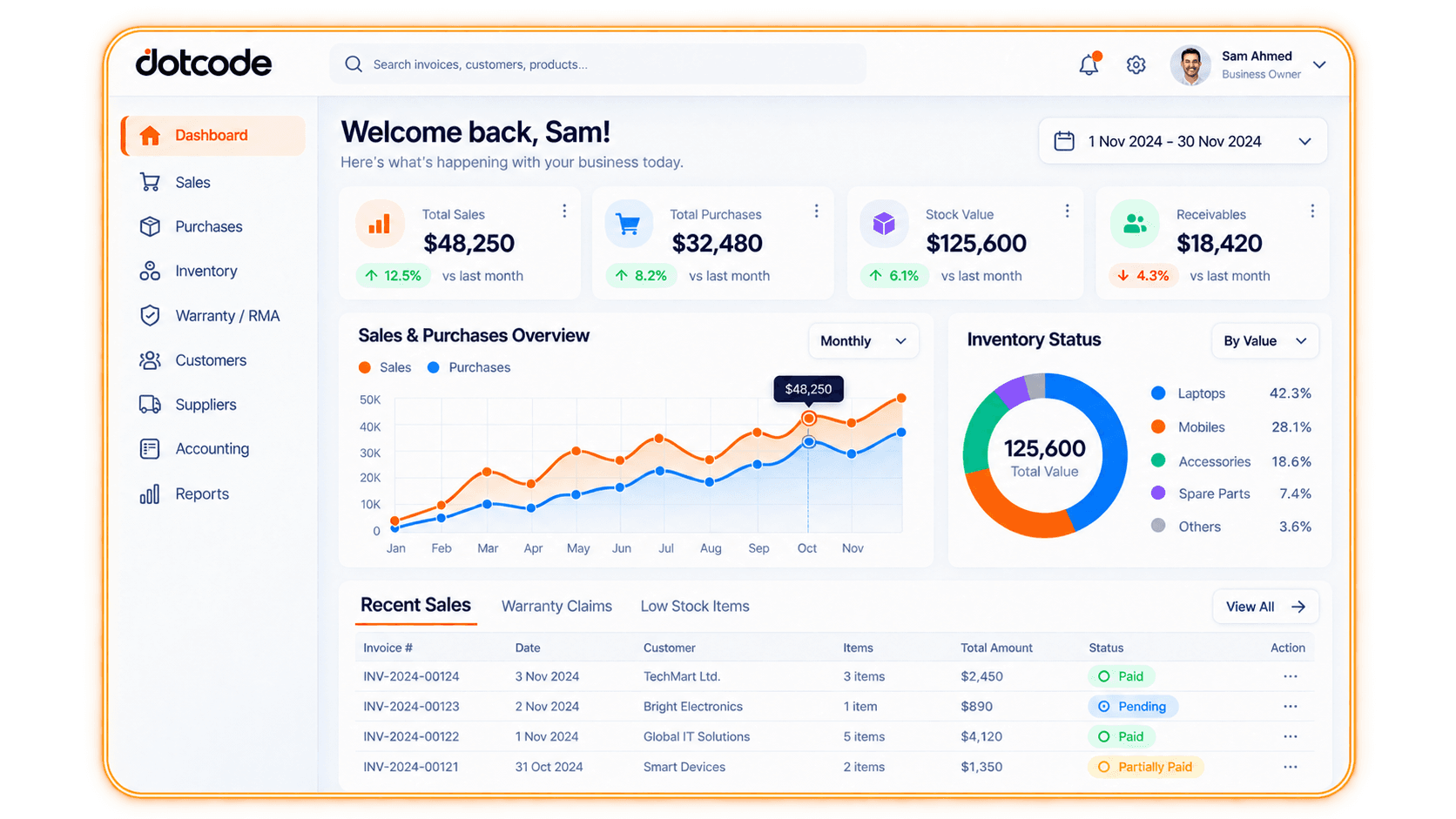
A POS bill captures the products, quantities, serials, customer and payment at the counter. Once synced, the same sale updates stock, serial history and the customer account, so counter and office staff work from the same records.
- Bill: Select or scan products and record payment at the counter.
- Sync: Send the bill to your central stock and accounts automatically.
- Review: See updated quantities, serials and balances in the dashboard.
See whether QuickAccounts fits your workflow
Talk through your current records, team needs and setup before choosing a license.
Frequently asked questions
Does the POS integration replace my existing POS system?
QuickAccounts can work alongside your current counter billing setup or serve as the billing workflow itself. Discuss your current POS, hardware and integration preferences during the guided demo.
What updates when a POS sale is recorded?
Stock quantities, serial records, the customer account and cash records reflect the sale in one connected record trail, visible to counter and office staff alike.
Can I see the software before buying?
Yes. Contact Dotcode to arrange a free guided product demo and review setup details.