
Guide
Serial-number inventory tracking from receiving to warranty
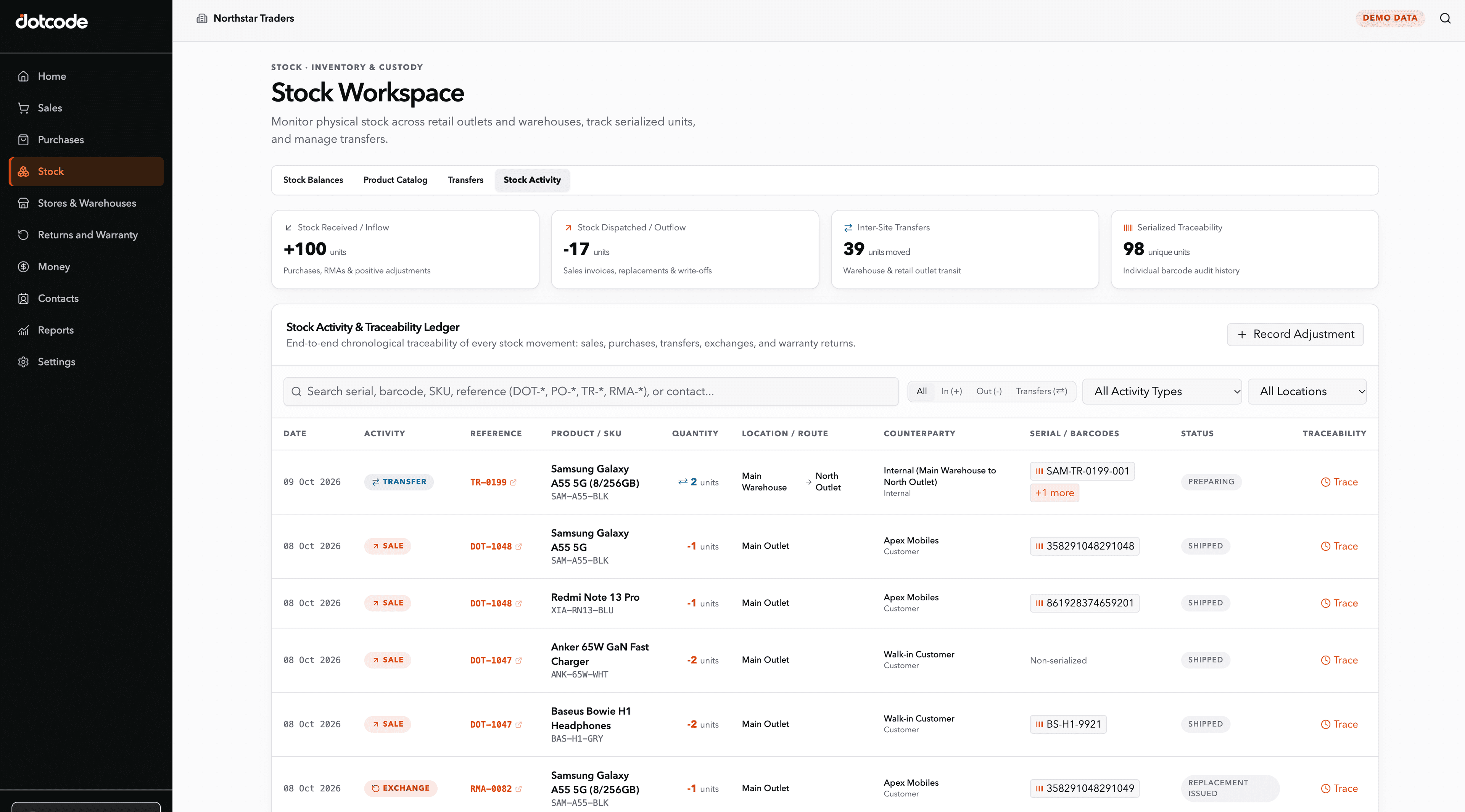
Serial-number inventory tracking records each individual unit from receiving through storage, sale and after-sales service. At receiving, staff capture the serial beside the product and warehouse location and resolve missing or duplicate values immediately. At sale, the selected unit is linked to the customer and invoice, creating the evidence needed for later lookup. When a buyer requests warranty help, staff can search the serial to identify the transaction, sale date and service context without comparing separate spreadsheets. Replacement units should also be linked to the original return so the audit trail continues. This method is particularly useful for CCTV cameras, hard drives, RAM and other electronics where units of the same model need individual histories. QuickAccounts brings those product, serial, stock, customer, invoice and RMA records into one connected workflow.
- Free product demo
- Unlimited users
- Setup and team training included
Capture serials at receiving
Record serials with the product and location as stock arrives, then make exceptions visible when a unit is missing or duplicated.
Connect the serial to the transaction
At sale, link the unit to the customer and invoice. This is what turns a serial list into a useful service record.
Use lookup for after-sales work
When a customer asks about a product, staff should be able to find its sale and warranty context from the serial number.
Inside the workflow
A practical record trail from stock to service.
A distributor can receive a serialized product, sell it against a customer account, find the original invoice later, and review a warranty or RMA request without rebuilding the history from separate spreadsheets.
- Receive: Record products, quantities and serial numbers.
- Sell: Connect the item to the customer and invoice.
- Resolve: Verify warranty status and coordinate return or replacement.
See whether QuickAccounts fits your workflow
Talk through your current records, team needs and setup before choosing a license.
Frequently asked questions
Why track serial numbers in inventory?
Serial tracking helps identify individual units, connect them to sales and support traceable warranty or return workflows.